

NGA
MCAMS
Redesign
UX redesign of the National Geospatial-Intelligence Agency's Metadata Management System, in partnership with Omni Federal.
A system built for intelligence, redesigned for the people who use it.
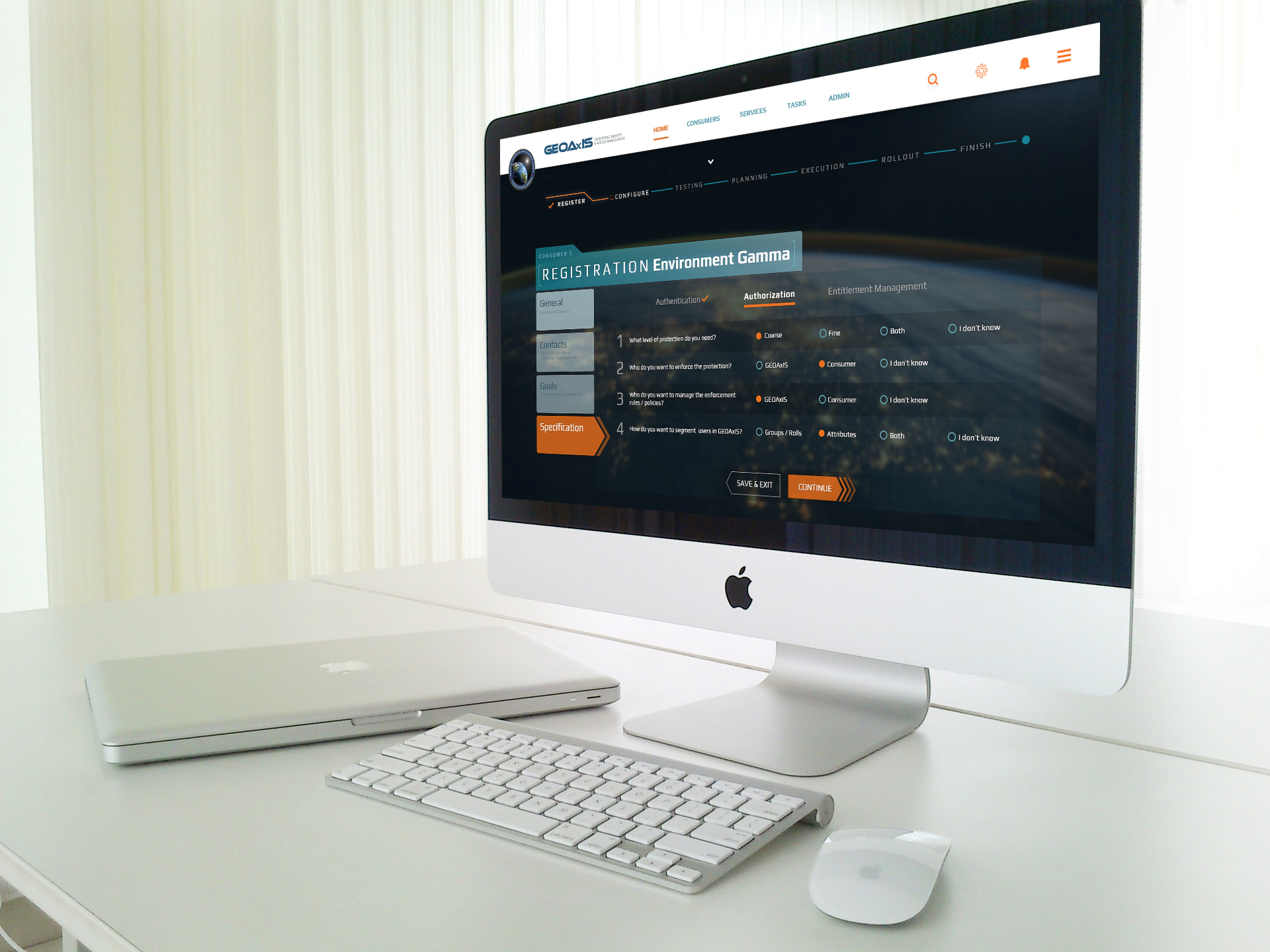
The National Geospatial-Intelligence Agency partnered with Omni Federal to design, develop, integrate, deploy, sustain, and operate MCAMS. My role encompassed designing the dashboard, wireframes, and prototypes with a sharp focus on usability and user-centered design.
 MCAMS Dashboard: Main View
Challenge
The existing NGA Metadata Management System faced several entrenched usability challenges; each one creating friction for analysts depending on it for mission-critical workflows.
Complexity
Users found the system's interface complex and challenging to navigate, resulting in decreased efficiency and increased cognitive load during time-sensitive tasks.
Inefficiency
Due to outdated design and limited customization, users encountered inefficiencies in their daily tasks, forcing workarounds that slowed down critical workflows.
Quality Monitoring
Ensuring quality without compromising speed of delivery was a persistent concern, necessitating a streamlined UX design process that balanced rigor with agility.
Process
User-Centered Customization
The redesigned dashboard put control directly in users' hands, enabling personalization that matched individual workflows and operational priorities.
The new dashboard allowed users to personalize their layout, placing frequently used functions at their fingertips and reducing navigation time significantly.
Redesigned widgets and charts improved data representation, enhancing user understanding and enabling faster interpretation of complex geospatial metadata.
 Dashboard Redesign
Visualizing the Proposed Changes
Detailed wireframes translated user needs into concrete, testable layouts, aligning stakeholders and validating concepts before a single line of code was written.
Conducting user interviews to incorporate feedback directly into wireframe design, ensuring alignment between designs and actual user needs from day one.
Carefully structuring the layout to prioritize critical functions, placing mission-essential actions above the fold and reducing time to task completion.
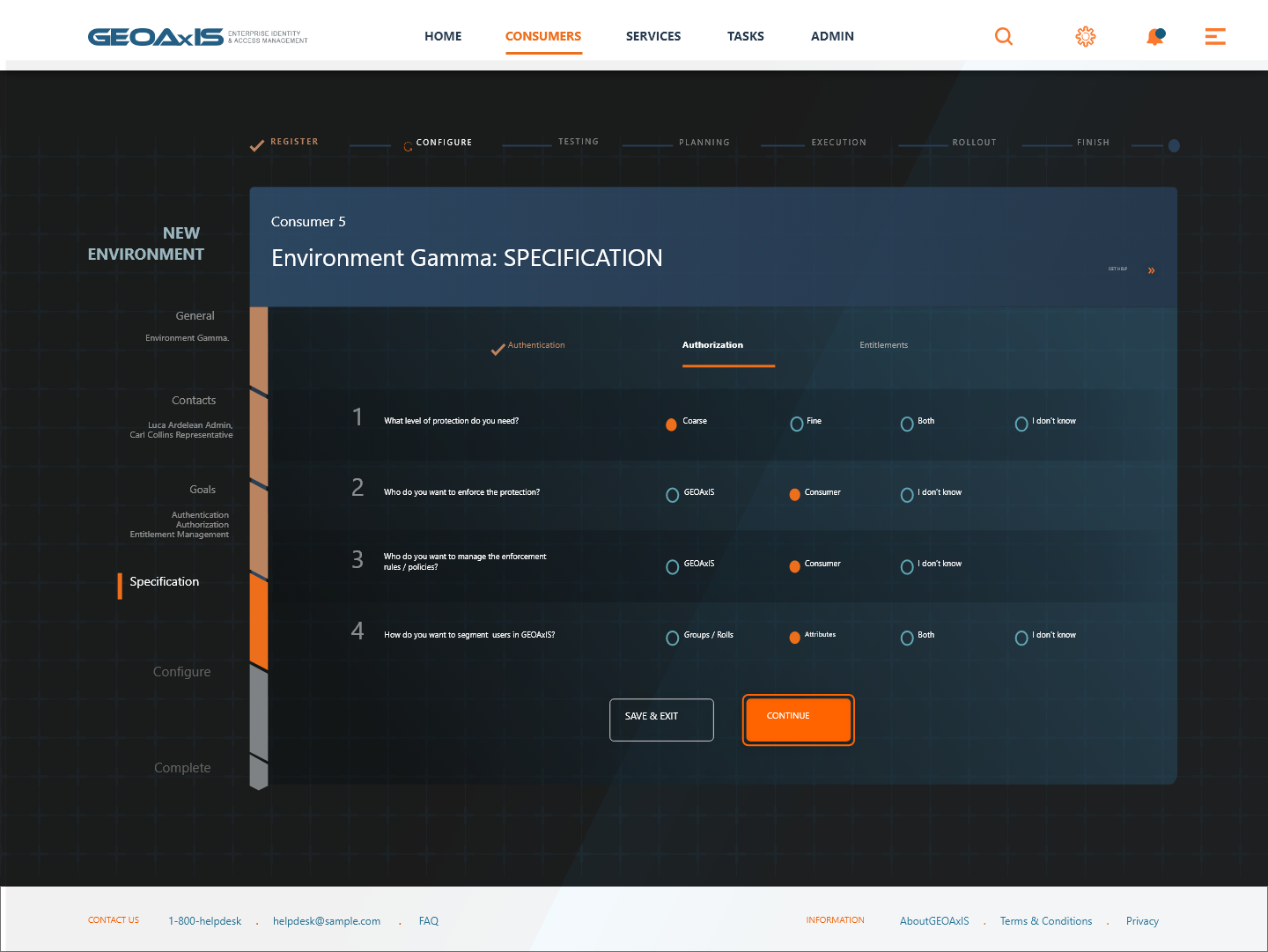 Wireframe Screens
Testing & Refining the Experience
Static wireframes became living, clickable prototypes, putting real interactions in front of users and stakeholders to validate decisions before development began.
Conducting usability tests to gather insights and refine the design based on direct user feedback, iterating rapidly to close the gap between intent and reality.
Ensuring smooth transitions and interactions for a more immersive, intuitive user experience, reducing the learning curve for new users of the system.
.webp) Interactive Prototype
Interactive PrototypeThe System in Detail
Main DashboardWireframe: HomeData Charts PanelMCAMS: Full Portal ViewThe Results
Substantial improvements across every dimension of the experience.
The UX redesign of MCAMS, encompassing the dashboard, wireframes, and prototypes, delivered measurable gains in satisfaction, workflow efficiency, and navigation ease for NGA personnel.
Enhanced User Satisfaction
User feedback indicated a significant increase in satisfaction and ease of use, with personnel reporting reduced cognitive load and improved confidence in completing daily tasks.
Streamlined Workflows
New customization options and improved data visualization streamlined daily tasks, enabling analysts to access and interpret metadata faster and with fewer errors.
Efficient Navigation
Users found it easier to access essential functions, leading to improved efficiency across teams, with a measurable reduction in navigation-related support requests.
"Good UX in intelligence isn't invisible; it's the difference between an analyst who's empowered and one who's fighting their tools."
NGA × Omni Federal